-
Xcode | GitHub 연동 및 Repository 업로드▼ DevOps/깃 (Git, GitHub) 2021. 8. 30. 14:33반응형
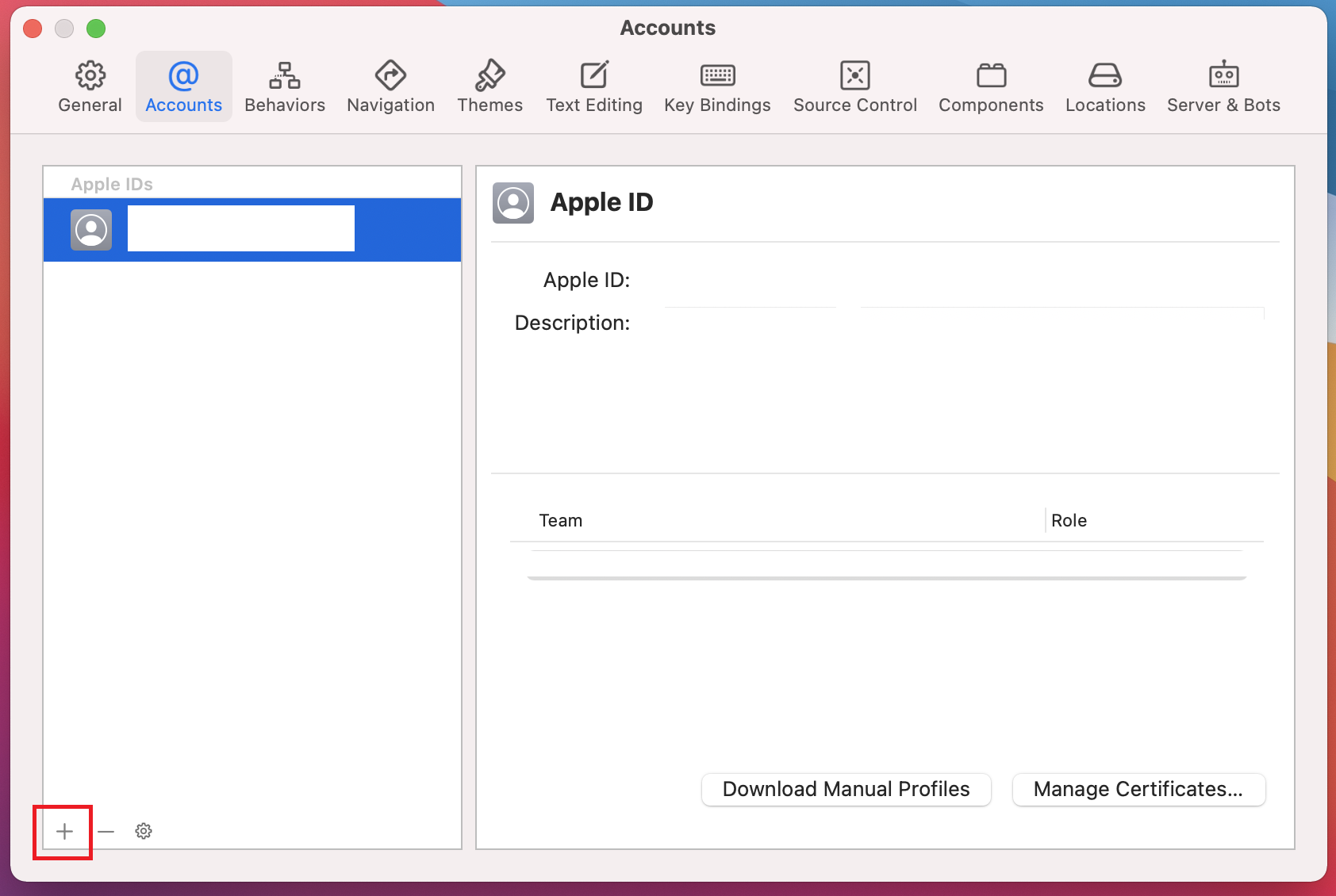
Xcode > Preferences... > Accounts > 왼쪽 하단 + 버튼
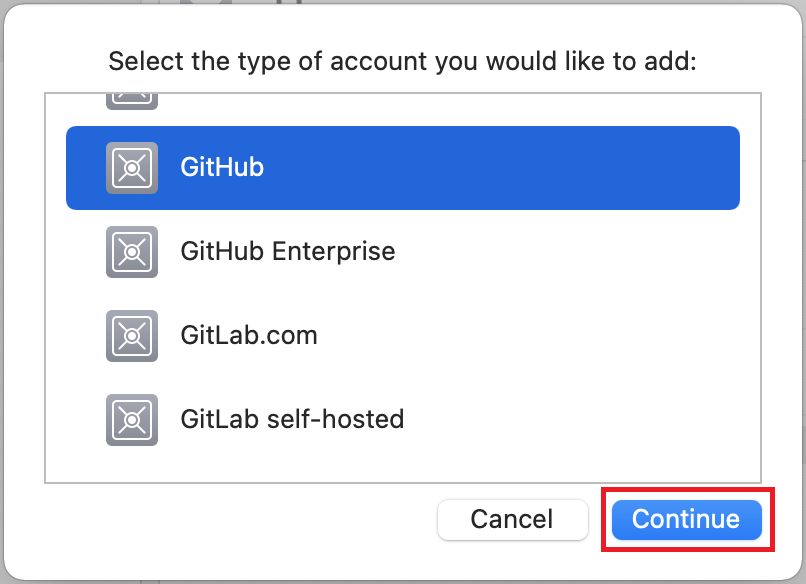
GitHub 선택 > Continue
GitHub 계정 / 토큰 입력
※ 토큰발급
https://kitty-geno.tistory.com/89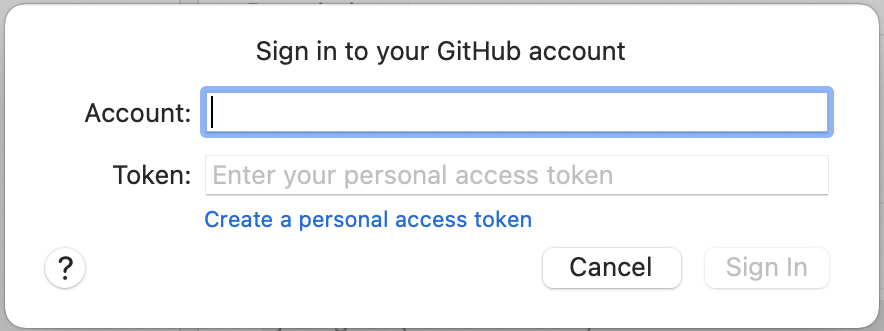
Source Control로 이동 > Author 작성
작성하지 않을경우 Commit And Push등을 할때 요청함.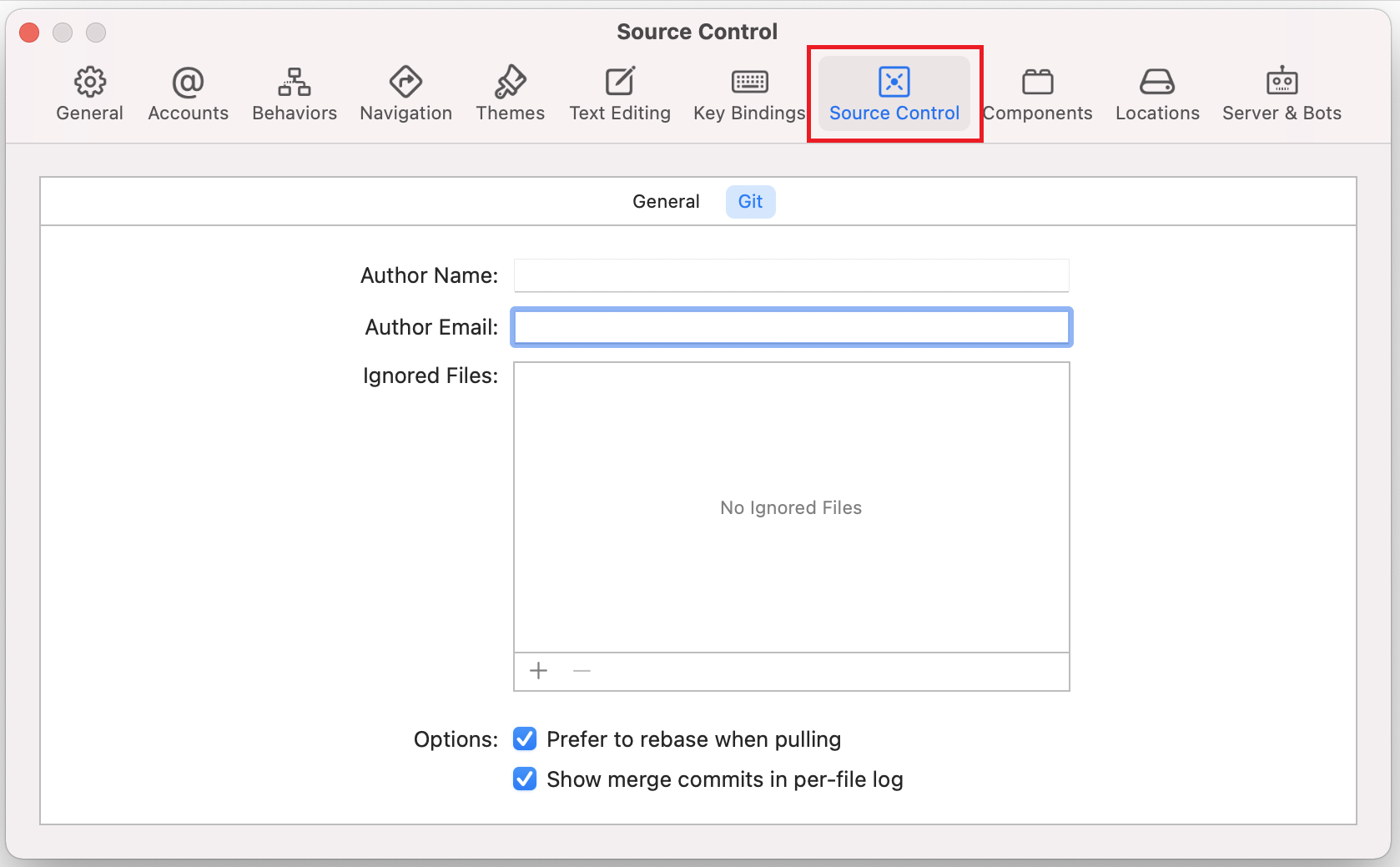
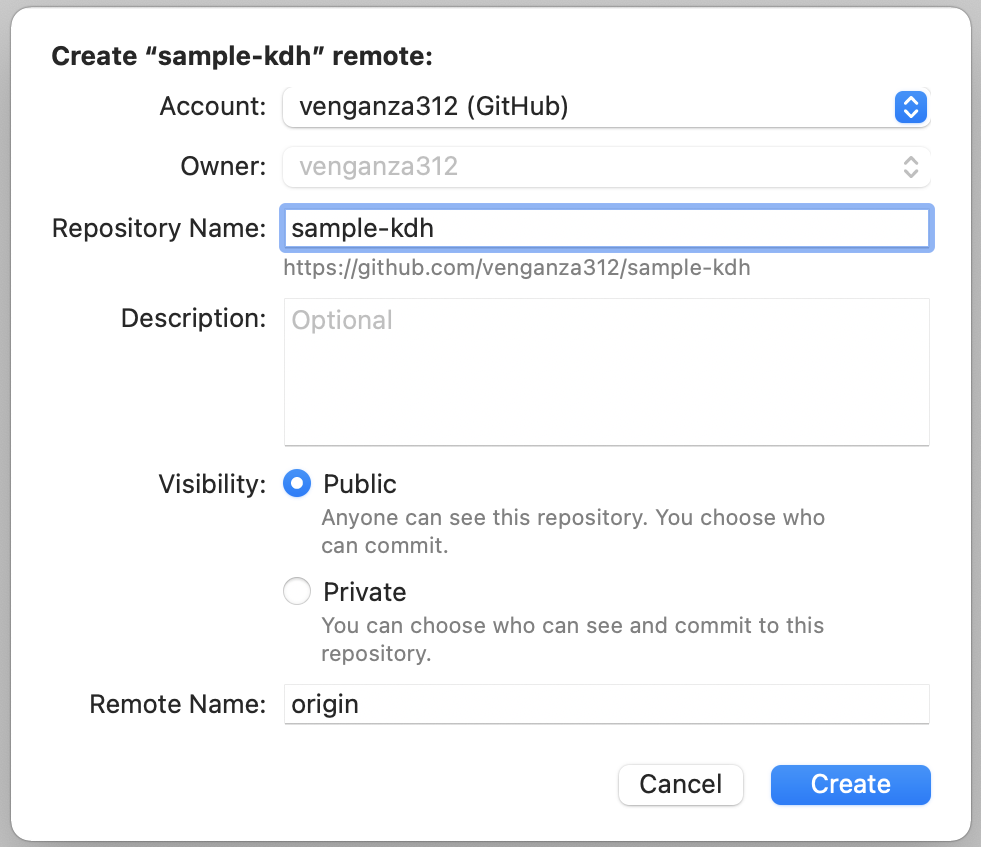
Case1) GitHub Repository 생성과 동시에 연동하기
New [Project Name] Remote..
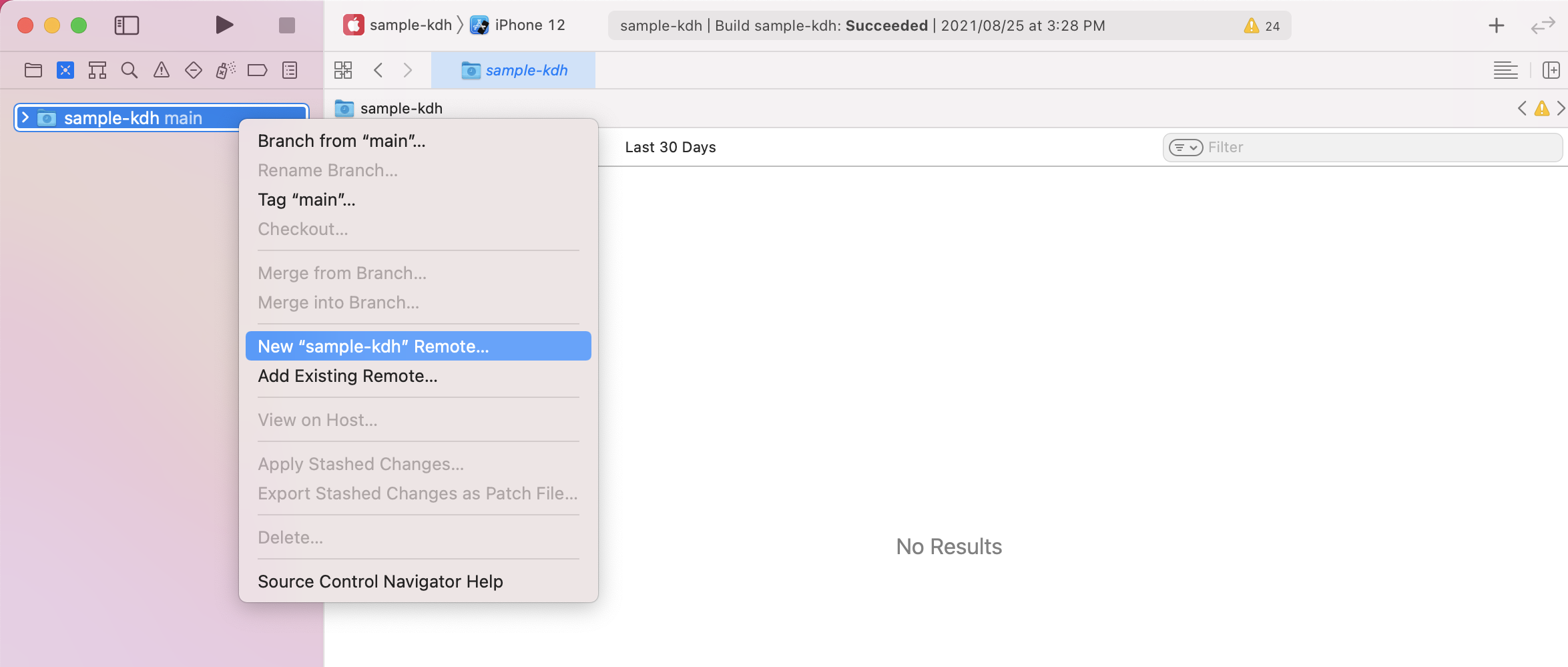
Repository 이름, 설명, 공개여부 설정 후 Create
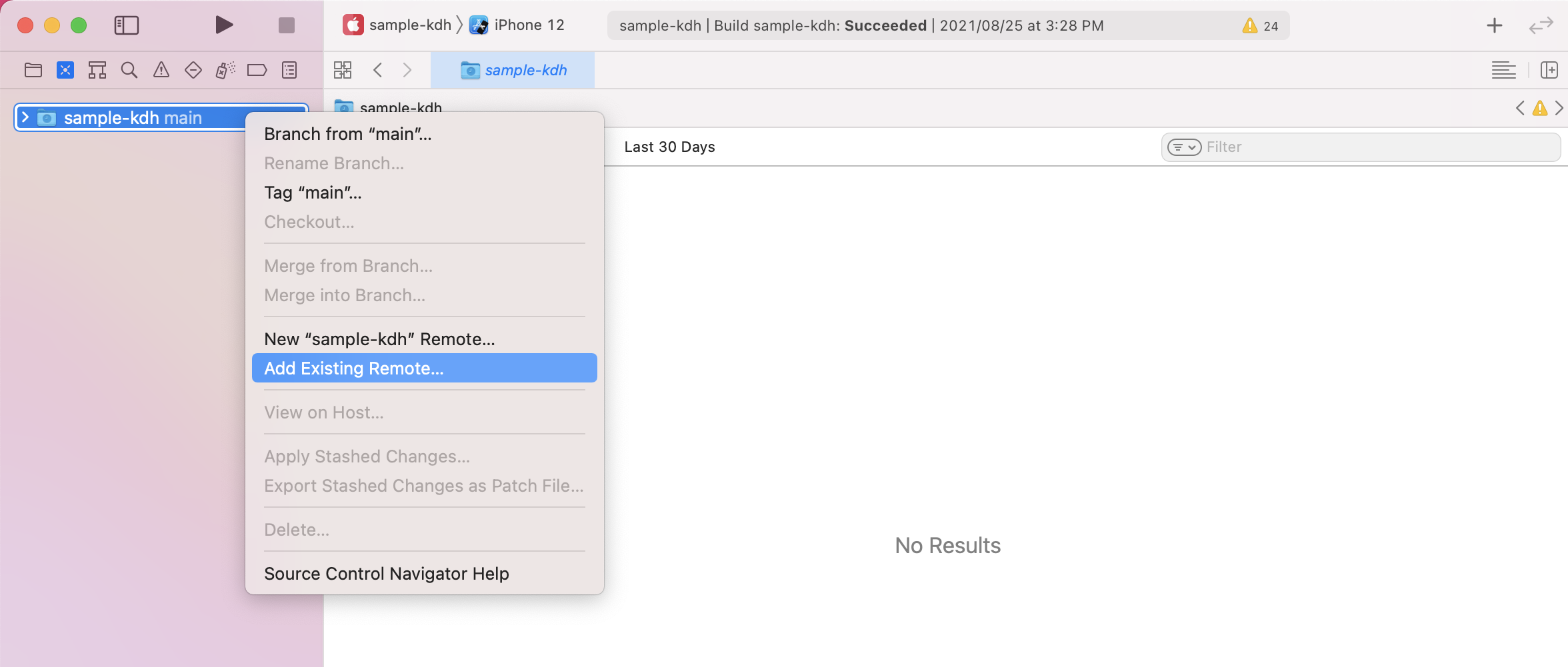
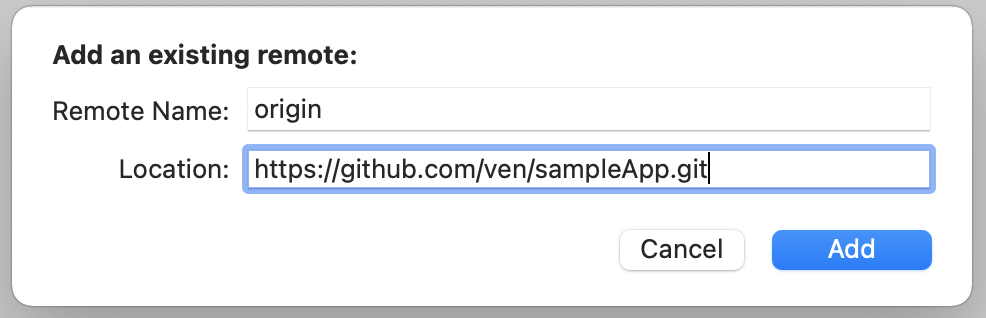
Case2) 기존에 생성되어있던 GitHub Repository에 연동하기
프로젝트 우 클릭 -> Add Existing Remote...
GitHub Repository 주소 입력
Source Control > Commit
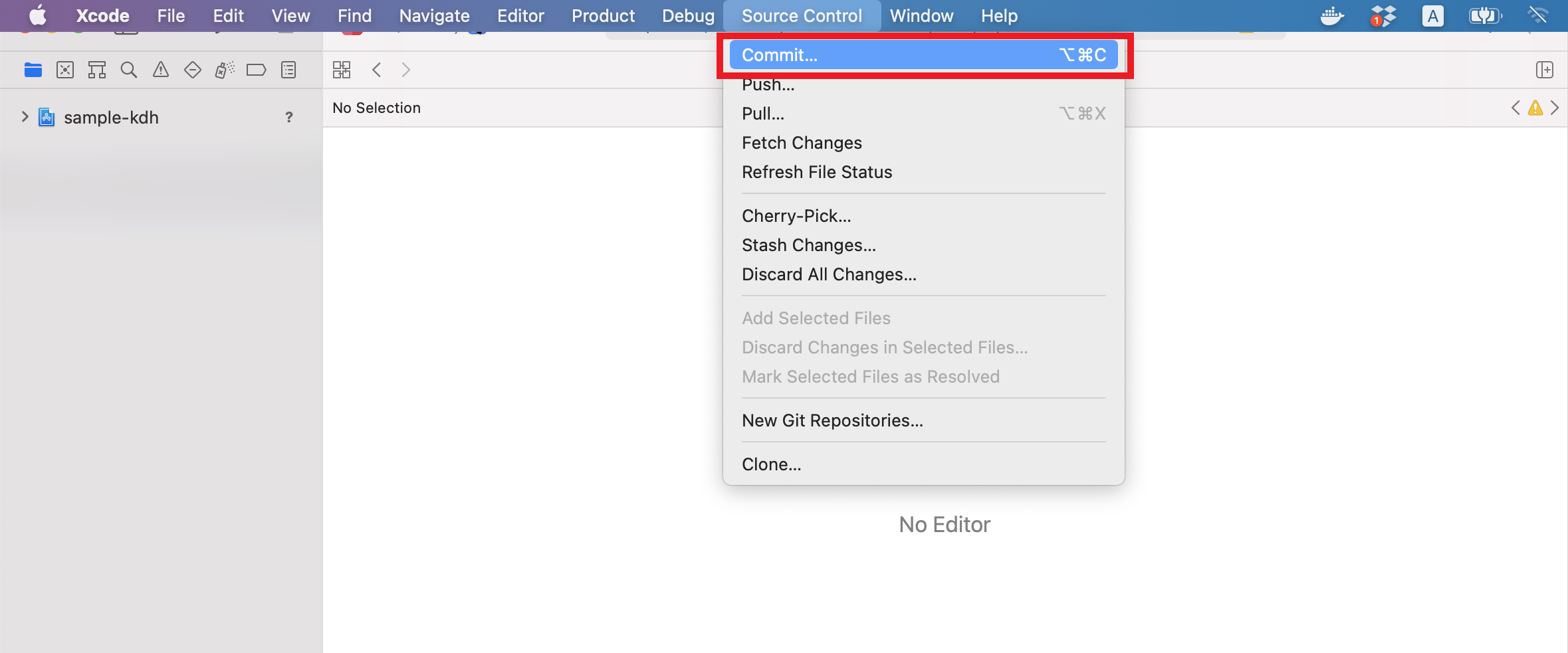
GitHub Commit And Push
① 파일 선택
② Push to remote 체크
③ Commit And Push
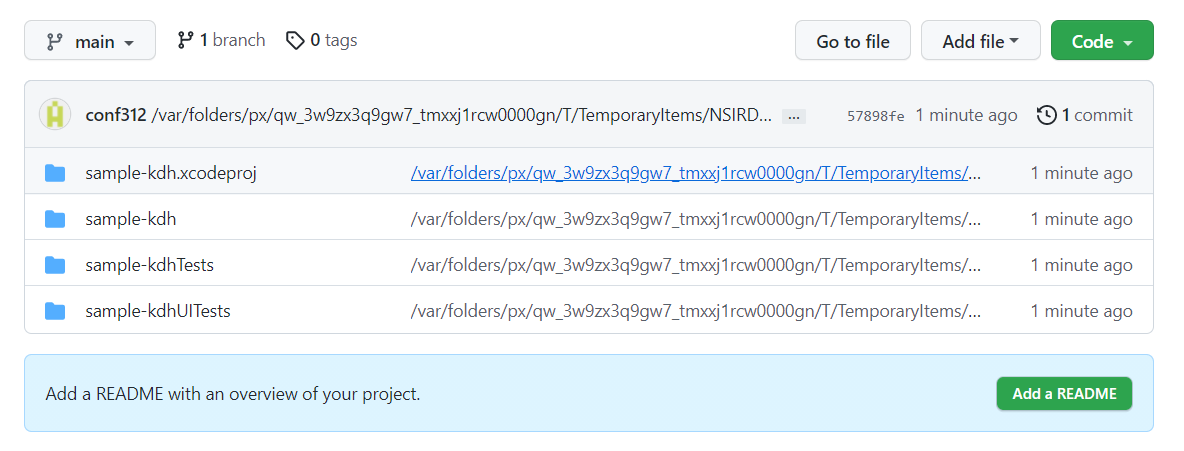
④ Commit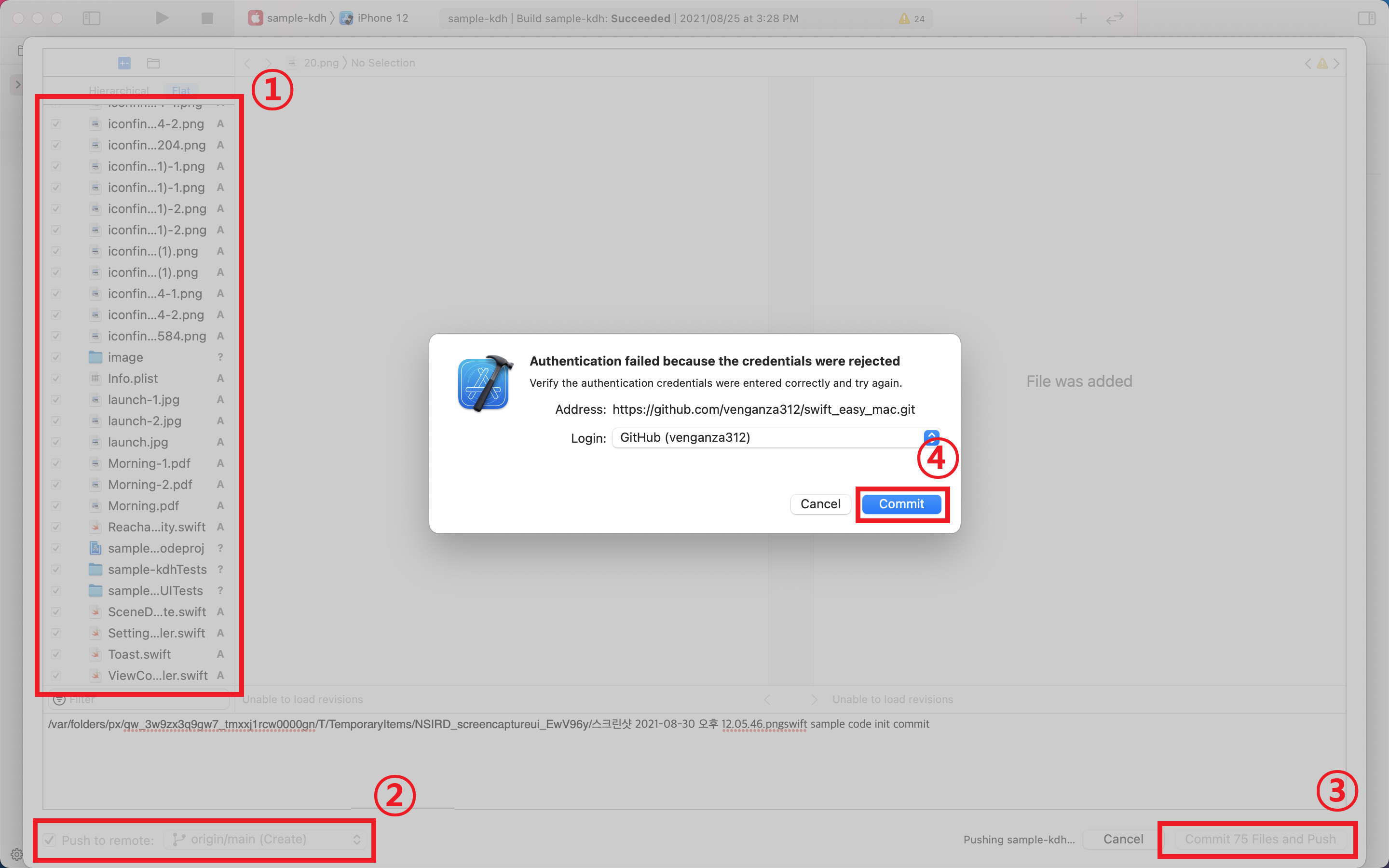
 반응형
반응형'▼ DevOps > 깃 (Git, GitHub)' 카테고리의 다른 글
IntelliJ | 프로젝트에 GitHub Repository 추가하기 (0) 2021.12.02 IntelliJ | GitHub 계정 연결 및 Repository Clone 하기 (0) 2021.12.02 Eclipse | git-receive-pack not permitted on (4) 2021.08.20 Eclipse | GitHub Repository에 프로젝트 업로드 하기 (0) 2021.08.03 Eclipse | Git Revert 하기 (0) 2021.02.15